


Finding Artifacts in Your Mammo Image? Read This.
 Block Imaging: October 27, 2026
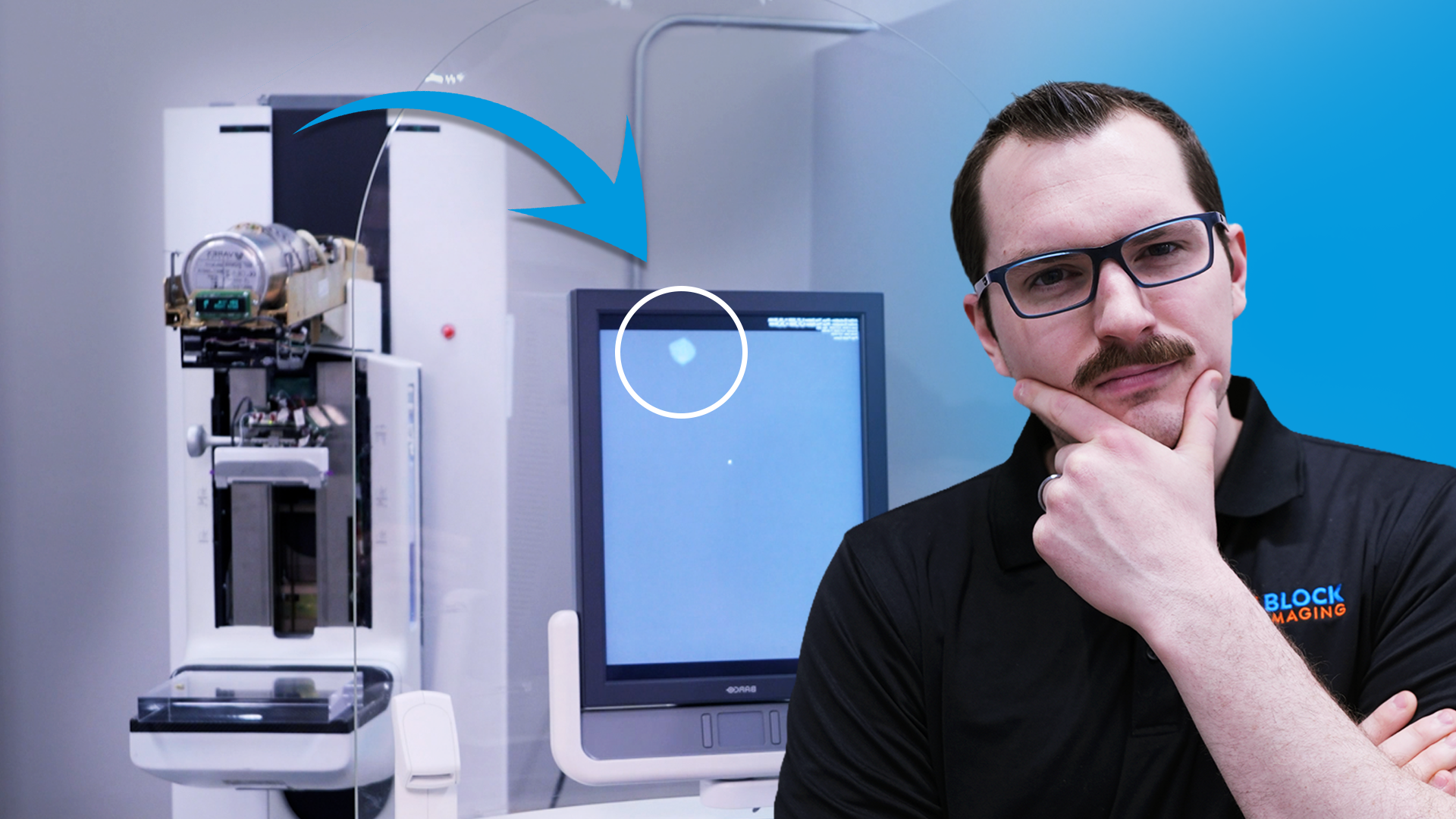
If you’re seeing artifacts on your images, it can be alarming, especially when image quality is critical. The good news is that some artifact issues can be resolved without immediately calling for service. In many cases, a careful cleaning or a rerun of the gain calibration can correct the problem. This guide walks through the basic troubleshooting process so you can try the simplest fixes first before escalating the issue.
Start by taking a microfiber cloth and cleaning the flat field phantom and the breast platform. Make sure to remove any visible dust, debris, or residue that may be sitting on the surfaces. Even small particles can create image artifacts, so this step should be done carefully.
Next, clean the detector surface as well. Then wipe both sides of the flat field phantom thoroughly to make sure no debris is left behind on either side.
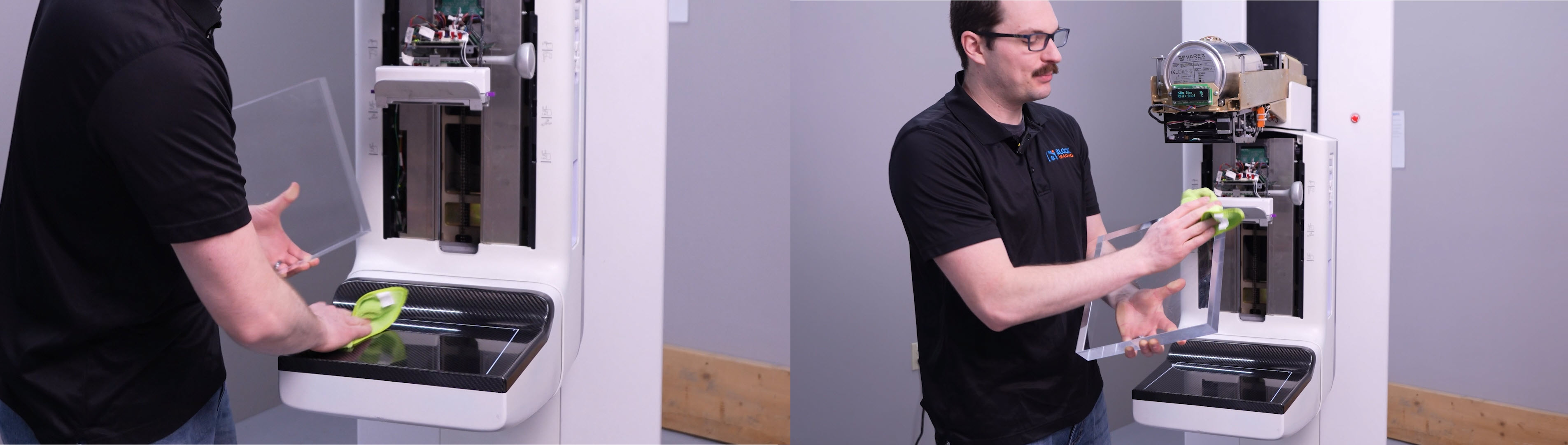
After cleaning all of these surfaces, take another image and check to see whether the artifact is still present. If the artifact is gone, then the issue was likely caused by debris or contamination, and you’ve solved the problem without any further troubleshooting.
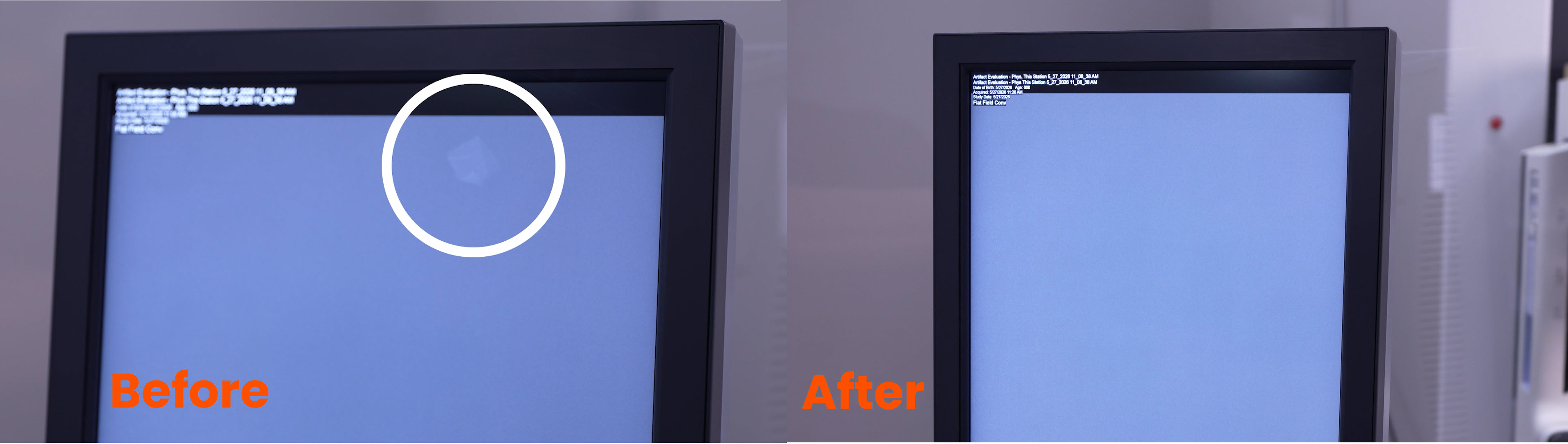
If the artifact is still showing after cleaning, the next step is to consider whether it may have been introduced during the last gain calibration. In some cases, an artifact can become “gained in” or burned into the calibration process. Before rerunning the gain calibration, clean the flat field phantom and breast platform again to make sure the calibration is performed with completely clean surfaces.
Once the surfaces are clean, go ahead and rerun the gain calibration following your system’s standard process.
After the gain calibration is complete, test the system again by taking another image and checking for the artifact. If the artifact has disappeared, then the calibration process resolved the issue.
If the artifact is still present after both a full cleaning and a rerun of the gain calibration, the issue likely requires further troubleshooting from a qualified field service engineer. At that point, contact service support to determine whether the issue can be resolved remotely or if an on-site visit is needed.
Need help? No worries: our Service Team is standing by to assist. Give us a call at (877) 733-7142 or use the button below to contact us and let us know what you need.



 Andy Owen